
What Is a Court Docket in Menominee County
A docket is the court's official timeline for a case. Michigan courts often call it the register of action. Each line marks one event, such as a complaint filed, a motion argued, a hearing set, an order signed, or a judgment entered. Read top to bottom, the docket tells the story of a case from the day it opened to the day it closed. It is the fastest way to see what a court has done and what comes next.
The docket is not the full case file. The full file holds the actual documents, the pleadings, exhibits, and orders that parties and judges sign. The docket only names those items and dates them. In Menominee County, the same register-of-action idea runs across the 41st Circuit Court, the 95A District Court, and the Probate Court, though each court manages its own calendar and case types.
Note: A docket entry proves that a filing or hearing happened and when, but it rarely reproduces the words of the document itself.
How to Find Menominee County Dockets Online
The public path to a docket is MiCOURT Case Search, the statewide trial-court lookup. Menominee County does not run a separate county docket portal, so participating courts feed their case information into the state system. You can open it at MiCOURT Case Search, where the register of action appears in the result view for cases the court publishes. Have the party name or case number ready before you begin.
The steps below move from the search screen to the docket entries.
- Open MiCOURT and select the court type or court location that fits the case, such as circuit, district, or probate.
- Choose how to search, either by party name or by the exact case number.
- Enter the name or number, and add a filing date range when a common name returns many rows.
- Open the matching case and scroll to the register of action to read the docket entries in order.
The docket view lists events but does not open the documents themselves, so a filing may show as an entry with no link to click. For the full paper file, a clerk request or a courthouse visit is the next step, which the county court records guide covers in detail.
What a Menominee County Docket Entry Shows
Each docket entry follows a simple pattern. It records when the event happened, what kind of event it was, who caused it, and what the court did about it. Reading the columns together turns a list of dates into a clear account of a case. The field guide below explains the parts of a typical register-of-action line in a Menominee County court file.
| Field | What It Shows |
|---|---|
| Entry Date | The date the court recorded the filing, hearing, or order |
| Event Type | The action taken, such as a complaint, motion, hearing, order, or judgment |
| Party Filing | The side that submitted the item, such as plaintiff, prosecutor, or defendant |
| Description | Short text naming the specific document or event |
| Result or Status | The outcome, such as granted, denied, adjourned, or entered |
Not every court shows all five parts, and some display document images only at a courthouse terminal. Even so, the entry date and event type together tell you where a case stands and whether a hearing is still ahead.
Courts That Publish Dockets in Menominee County
Three trial courts generate the dockets a resident is most likely to search. The 41st Circuit Court handles the broadest and most serious cases. The 95A District Court is the busy first-stop court for traffic, misdemeanors, small claims, and lower-value civil suits. The Probate Court keeps a separate calendar for estates and protective matters. Availability on the public case search depends on the court and case type, so a docket may appear for one case and not another.
Appeals follow a different track. When a case leaves the Circuit Court for the Michigan Court of Appeals, its docket moves to the appellate search rather than the trial-court system. The list below sorts the county dockets by court.
- 41st Circuit Court: felony trials, divorces, PPOs, adoptions, name changes, and civil claims over $25,000.
- 95A District Court: traffic, civil infractions, misdemeanors, landlord-tenant, and small claims dockets.
- Probate Court: estates, guardianships, conservatorships, mental health, and wills held for safekeeping.
- Michigan Court of Appeals: appeals from final Menominee Circuit Court decisions.
The appellate side runs its own public search with fields for case number, appellate court, party name, and lower court.
The Michigan Courts appellate case search lets you trace a Menominee Circuit Court appeal by naming it as the lower court.
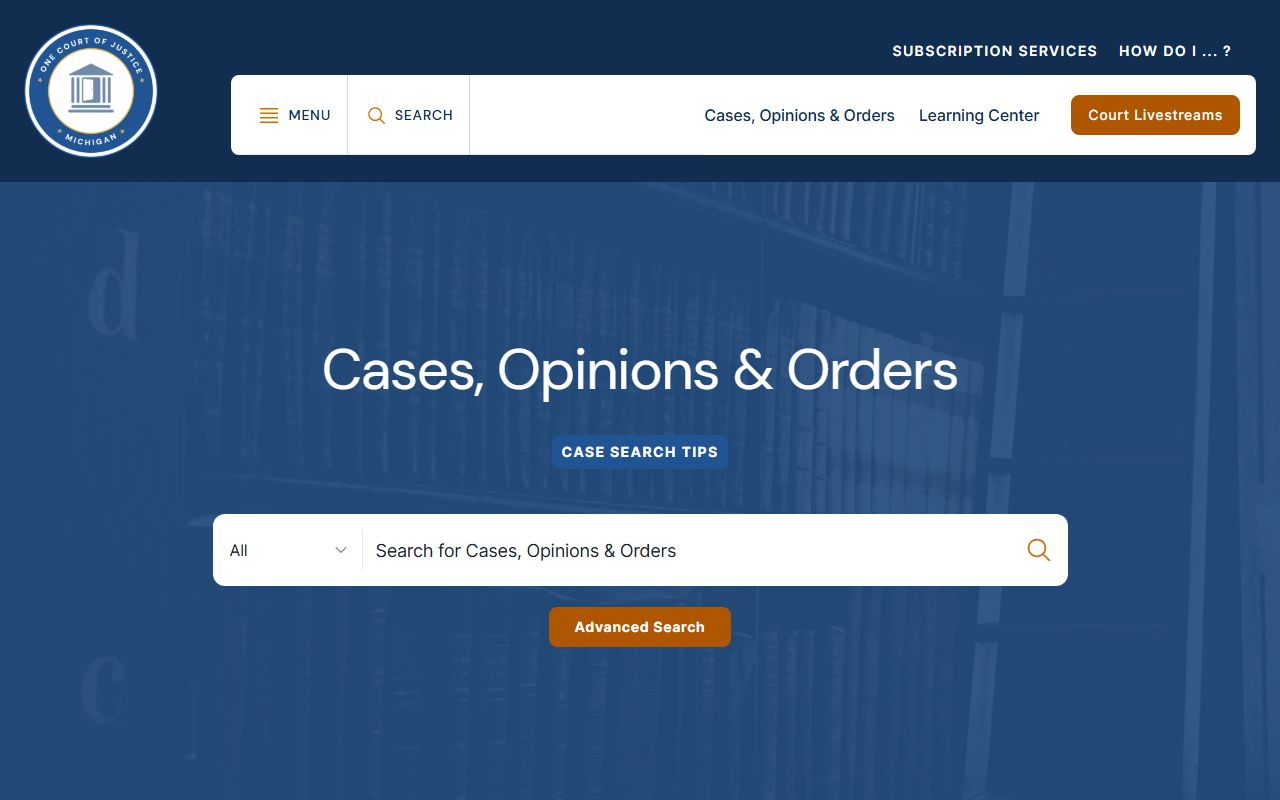
Because appellate dockets sit in that separate tool, a Menominee County court dockets search for a case on appeal starts there rather than in the trial-court portal.
E-Filing and Dockets Through MiFILE
Many Michigan filings now arrive electronically, and those e-filings post to the docket the same way a paper filing does. MiFILE is the state e-filing system that attorneys and self-represented parties use to submit documents. The 95A District Court page links directly to MiFILE resources, registration, and login, so a filer can see how a new entry reaches the register of action. E-filing does not change what the public docket shows, but it often speeds up how quickly a new entry appears.
The state portal is the front door for accounts and filing tools.
You can reach the statewide MiFILE e-filing system to register, review tutorials, or log in.
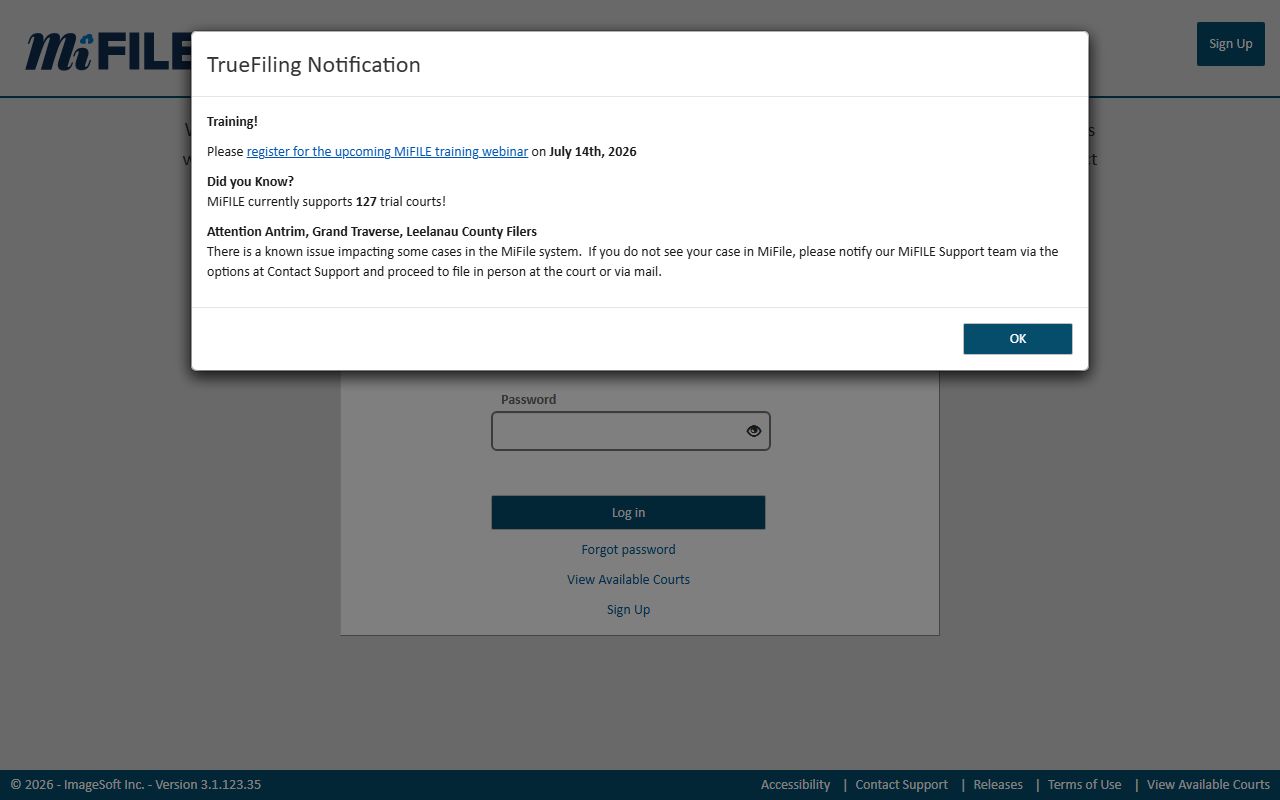
Once a document is accepted through MiFILE, the court records it as a docket entry, which is how e-filed items surface in a Menominee County court dockets search.
The county keeps its own MiFILE landing page for District Court users, with links to the quick reference guide and support resources.
The local 95A District Court MiFILE page gathers the e-filing links a Menominee County filer needs.
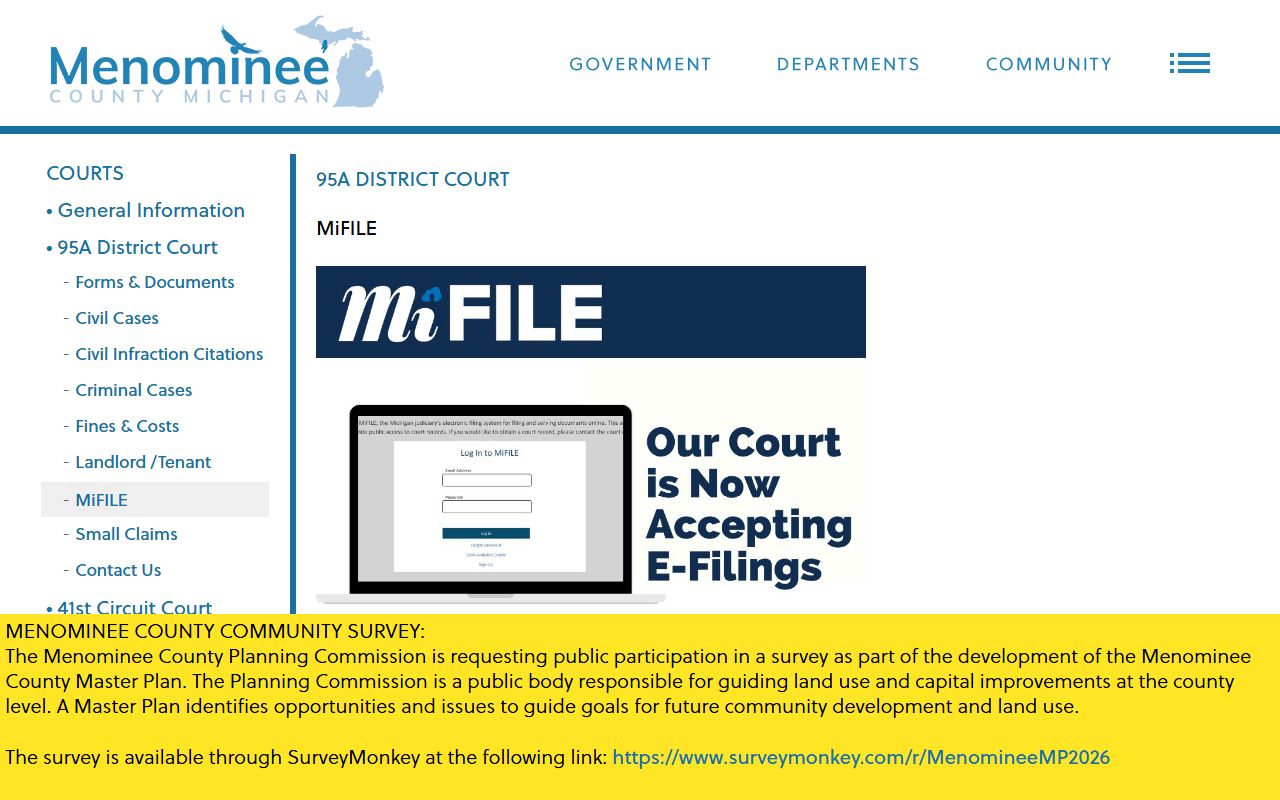
Using the county page keeps District Court filers on the right resources, so their entries land on the correct Menominee County court dockets.
Note: MiFILE is a filing tool that feeds the docket, while MiCOURT is the public search that displays the register of action to anyone.
Menominee County Dockets vs Full Case Records
A docket and a full case record answer different questions. The docket tells you what happened and when. The full record shows the actual documents, the signed orders, the motions, and the exhibits. Michigan keeps the two apart on the public internet on purpose. Under Michigan Court Rule 8.119(H), courts are prohibited from providing public access to document images online, which is why a Menominee County docket can list a filing that you still cannot download.
The comparison below sets the docket next to the full case record so the difference is easy to see.
| Docket | Full Case Record | |
|---|---|---|
| Format | List of dated entries | Full documents and orders |
| Access | Often searchable online through MiCOURT | Clerk request or courthouse terminal |
| Use | Track case progress and hearing dates | Legal review, evidence, certified copies |
For most residents, the docket answers the practical question of where a case stands. When a certified copy or a full document is needed, the register of action gives the case number that a clerk uses to pull the paper file.
How to Read a Menominee County Register of Action
A register of action rewards careful reading. Entries appear in date order, and a case can jump between stages, especially in criminal matters. Every adult criminal case begins in the 95A District Court, so a felony docket may show an arraignment, a bond, and a preliminary examination there before a bindover moves the case to the 41st Circuit Court. When a case has moved up, its later entries live on the Circuit Court docket, and the full history spans both courts.
Common events help decode the timeline. Watch for these steps as you scan a docket.
- Find the opening entry, usually a complaint, petition, citation, or application, and note the filing date.
- Track motions and hearings in order, since a scheduled hearing points to the next action.
- Look for a bindover in a felony case, which signals the move from District to Circuit Court.
- Read the disposition line, such as a plea, verdict, judgment, or dismissal, to see the outcome.
- Check for post-judgment entries like sentencing, payment plans, garnishment, or an appeal.
Financial notes may appear as fines, costs, restitution, or bond, and a default entry marks a party who missed a deadline or a hearing. Domestic and probate dockets in the county often reference the Friend of the Court or the Register of Probate, which points you to the office that manages the rest of the file. To see how the courts themselves are structured, the county Circuit Court page maps the trial-court levels behind these dockets.